
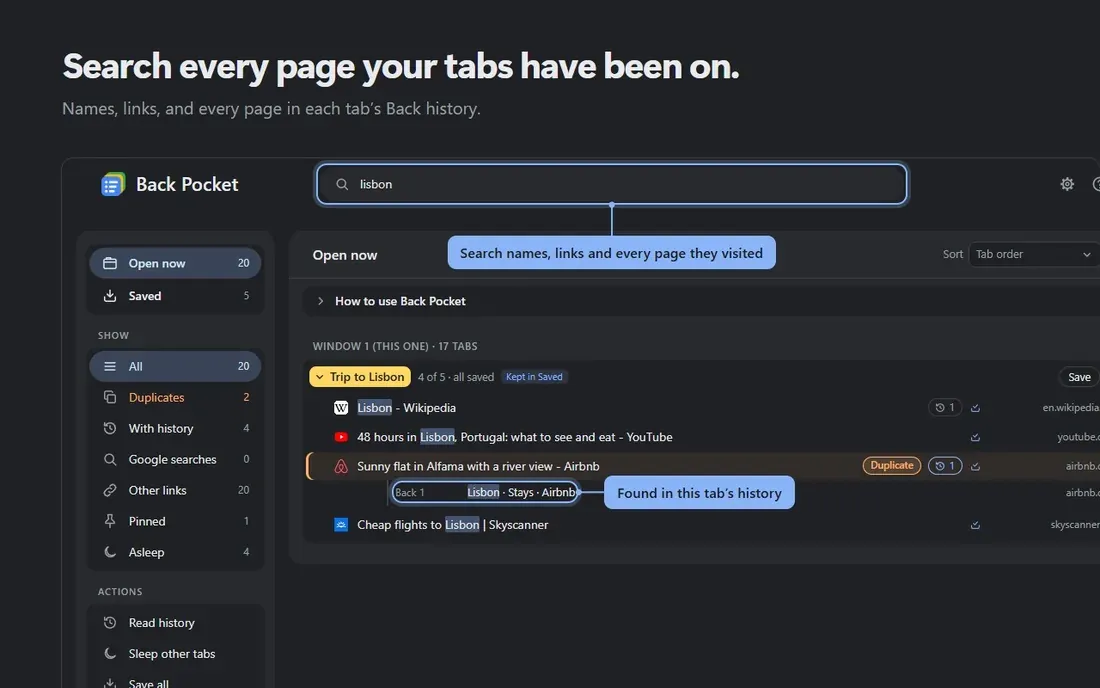
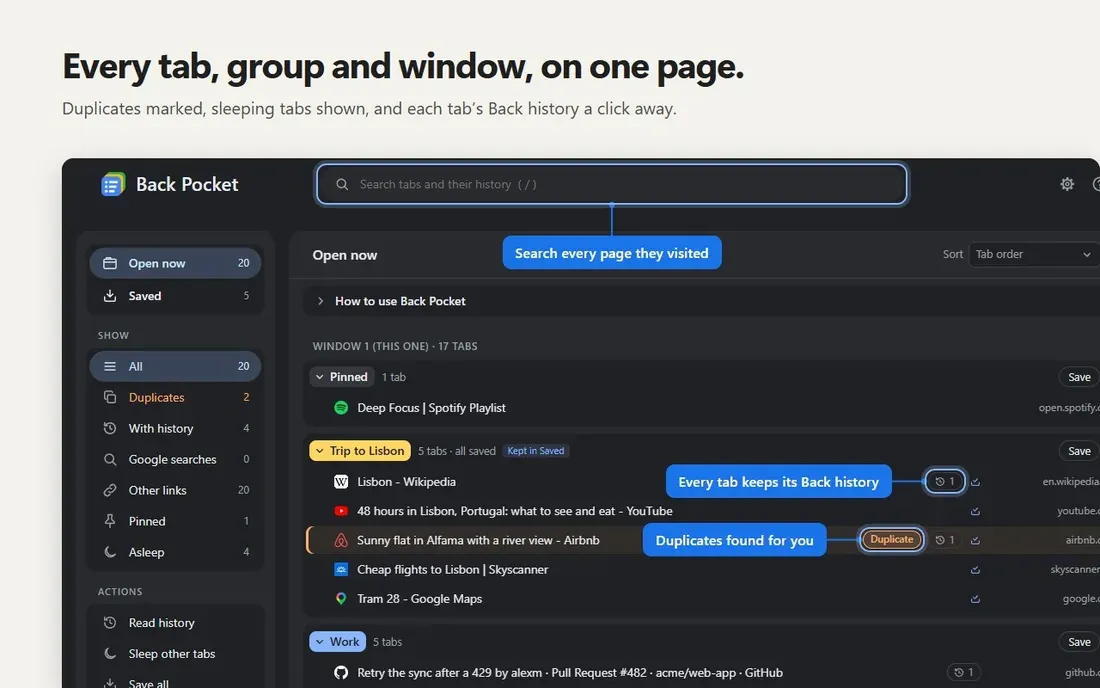
Chrome can save a tab group and reopen it, but each tab comes back fresh, and its Back button goes nowhere. If a tab was the fourth page of a search, or a page you reached by clicking through a list, that path is gone.
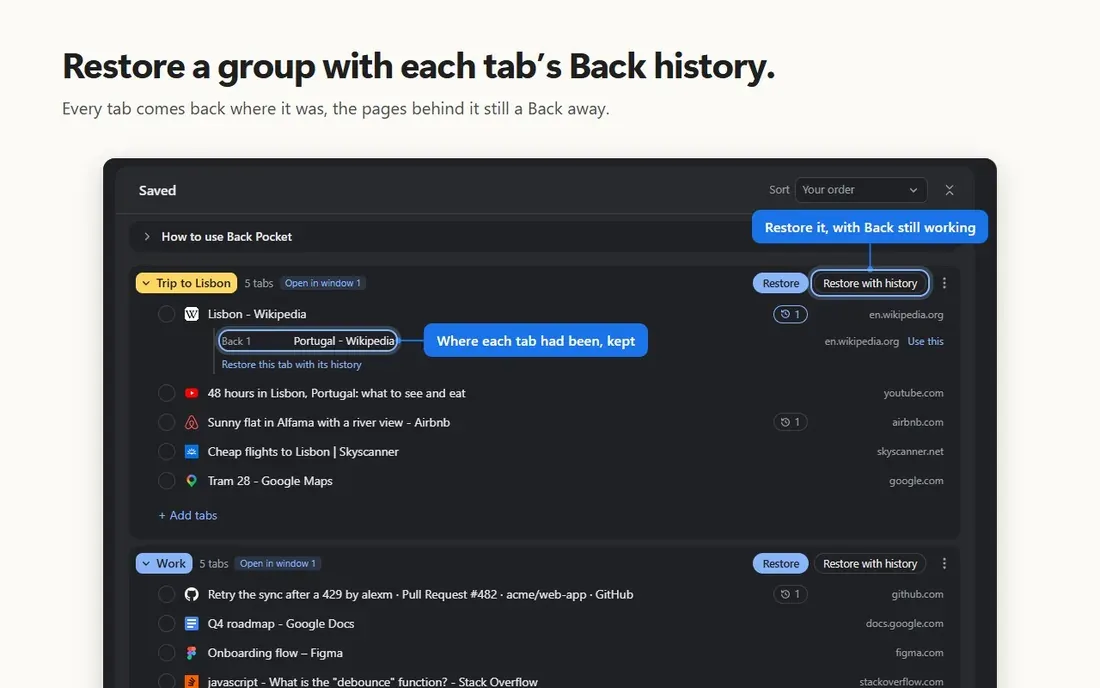
Back Pocket, the Chrome extension I have just released, saves groups with every tab’s Back history. Close a group today, reopen it next month, and it comes back as a real Chrome group, with its name and colour, and each tab’s Back button goes where it went before.
Following each tab
Back Pocket follows each tab’s Back and Forward pages as you browse, up to 50 a tab, and keeps that list on your computer until the tab closes, through restarts of Chrome. It records which pages a tab visited, never what was on them.
A tab it did not follow from the start, one that was open before you installed it, say, it reads straight from Chrome. Chrome lets an extension read a tab’s whole history, or rebuild it, only through its debugging interface, and it shows a bar saying “Back Pocket started debugging this browser” whenever one does. So the bar appears while Back Pocket reads such a tab, or rebuilds a tab’s history, and goes away when it is done. It uses that access only for each tab’s list of pages.
Coming back cheaply
Reopened tabs do not load until you click them, so bringing back a group of a hundred tabs costs almost nothing.
Where it all lives
Saved groups stay in Chrome on your computer. There is no sign-up, no analytics and no tracking, and I never receive your tabs, their history or your saved groups. Back Pocket Pro adds sync between your computers through a hidden folder in your own Google Drive, a backup there every day, and tab sleep. Even then, your groups never pass through a server of Back Pocket’s.
Back Pocket is free on the Chrome Web Store. More at backpocket.marshalx.dev.